Client Onboarding for Service Businesses: 30 Days
A complete client onboarding system for service businesses: welcome packet, intake forms, policies, and the 30-day follow-up that creates regulars.
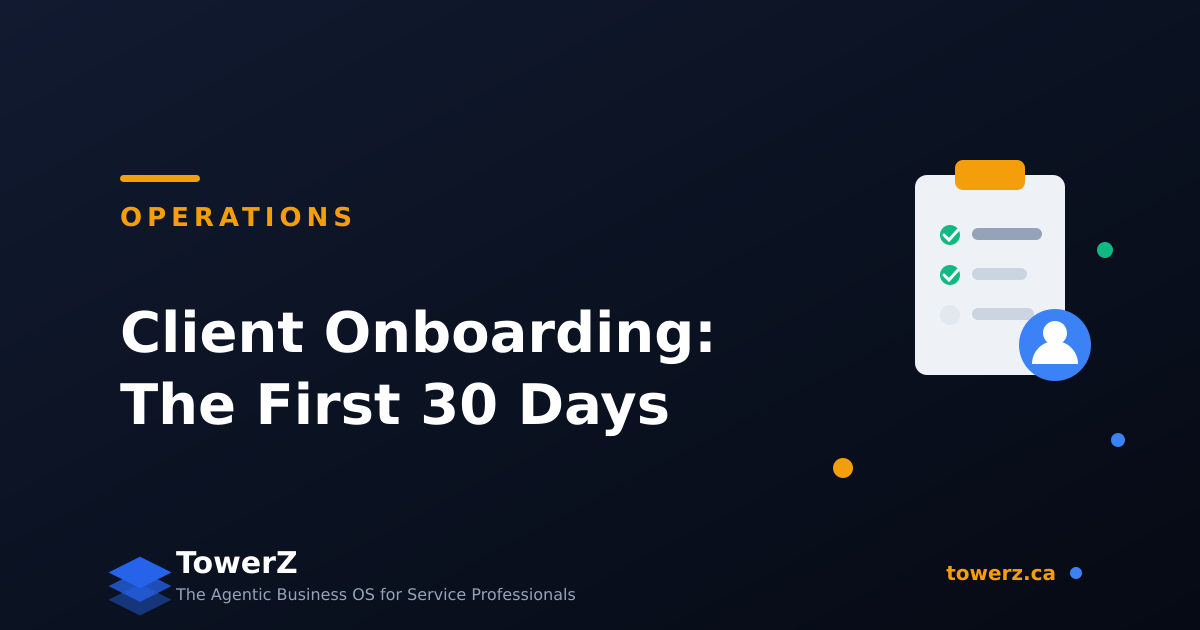
Client Onboarding for a Service Business: The First 30 Days That Decide Everything
Most service businesses lose clients in the first 30 days, before loyalty had a chance to form. The client came once, the experience was fine, and then silence. Nobody did anything wrong. Nobody did anything, period.
Onboarding is the system that fills that gap. Done well, it raises retention measurably; streamlined onboarding with clear payment setup alone is linked to 15 to 20% higher retention. It also prevents most future conflicts, because policies communicated on day one never feel like surprises on day sixty.
Here is a complete onboarding system, from booking to day 30.
Stage 1: Before the First Visit (Booking to Arrival)
The onboarding starts the moment the booking is confirmed, not when the client walks in.
Send a real welcome message, not just a receipt. Confirmation, what to expect, how to prepare, where to park, how to reschedule. One warm email answers the questions that otherwise become day-of texts.
Collect intake information with a form, not a conversation. Goals, history, preferences, allergies or constraints, how they found you. Five to ten questions maximum. This does two jobs: the first session starts at depth instead of small talk, and your CRM starts with real data instead of an empty record.
State your policies once, in writing. Cancellation window, no-show fee, payment terms, lateness. When clients know the rules ahead of time, enforcing them later is administration, not confrontation.
Stage 2: The First Visit
One goal beats all others on visit one: book the second visit before they leave. Rebooking on the spot is the single highest-leverage retention action a service business has. "Based on today, I'd suggest we meet again in three weeks. Does the same time work?"
Two smaller wins:
- Reference the intake form. "You mentioned your goal is X" signals that the information they gave you went somewhere. Clients notice.
- Explain the plan, not just the service. A client who understands the arc ("three sessions to fix this, then monthly maintenance") has a reason to return. A client who got a good haircut has a reason to shop around.
Stage 3: The First 48 Hours After
Send a follow-up within a day. Thank them, recap any recommendations, include the booking link if they did not rebook. This is also the right moment for a review request if the visit went well.
Log what matters while it is fresh. Preferences, reactions, personal details worth remembering. The difference between "a client" and "your client" is a business that remembers. That memory belongs in the CRM, not in your head.
Stage 4: Days 3 to 30
This is where most businesses go silent, and where regulars are actually made.
- Day 7 (if not rebooked): A helpful, non-salesy touchpoint. A tip related to their goal, a relevant article, a "how did it go?" check-in.
- Day 14: The direct rebooking nudge. "It's about time for your next session, here's the link. Tuesday afternoons still best?"
- Day 30 (if still not rebooked): One honest message. "No pressure, just checking: was everything okay with your visit? If anything was off, I'd rather hear it." This recovers silent detractors and fills your feedback loop.
Three messages in 30 days. Not a campaign, a rhythm. Clients who cross the 30-day line with a second booking behave completely differently from those who do not; the retention numbers compound from there.
The Onboarding Checklist
The whole system on one screen:
- Welcome email with expectations and policies, sent at booking
- Intake form completed before visit one
- Client record created with intake data
- Second visit proposed in person
- 24h follow-up with recap and booking link
- Preferences logged in the CRM
- Day 7, 14, 30 touchpoints scheduled
Every item is simple. The value is that all of it happens for every client, every time. Consistency is the entire game, which is exactly why this should not run on memory.
How TowerZ Supports a Controlled Onboarding Rhythm
- Booking confirmations and welcome messages can run from your approved templates when you explicitly preauthorize that low-risk routine.
- Intake forms attach to the booking and flow straight into the client's record.
- Policies travel with every confirmation, so no client can honestly say they did not know.
- The Client AI agent proposes day 7, 14, and 30 touchpoints and drafts each message in your voice for review.
- The Reputation agent identifies the appropriate review-request window after a completed first visit and prepares the message for approval.
- Your dashboard shows exactly which new clients rebooked and which are drifting, while there is still time to act.
Ready to stop losing clients you already won?
Try TowerZ for free and set up your full onboarding flow in an afternoon.
Frequently Asked Questions about Client Onboarding
Isn't this too much contact? Will clients feel spammed? Three helpful messages in a month, each with a purpose, is not spam. Spam is volume without relevance. Silence is the bigger risk.
Do I really need an intake form for a simple service? Shorten it, don't skip it. Even three questions (goal, preferences, how they found you) change the first visit and feed your marketing data.
What if a client ignores every follow-up? Then you learned it in 30 days instead of never, and the messages cost you nothing. Move them to a low-frequency win-back list and focus on the responsive ones.
Should onboarding differ for high-ticket clients? Scale the depth, keep the structure. A consultant might replace the intake form with a kickoff call and the day-7 message with a progress report. The stages stay the same.
When do I ask for the review? After the first visit if the signal is clearly positive, otherwise after the second. Never bundle it with a sales message.
TowerZ connects Bookings, CRM, forms, and AI agents so each onboarding step stays visible, messages are prepared for review, and only explicitly preauthorized, low-risk routines run automatically.

About Orléando Dassi
Chief Executive Officer & Co-Founder
Orléando leads product vision, business strategy, and the long-term direction behind Automathing Group Inc. and TowerZ. He combines 12+ years in IT with a bachelor's degree in software development, business launch (ASP) training, and an MBA in progress at Université de Sherbrooke.
Related articles
Business Diagnostic: 12 Questions to See What to Fix First
A practical business diagnostic with a scorecard, signal reading, and a worked example so you know what to fix first.
Why Your Marketing Problem Is Actually an Operations Problem
A simple framework to separate a real marketing problem from an operations leak caused by follow-up, no-shows, retention, capacity, or pricing.
How to Do a Competitor Analysis (Step-by-Step)
A practical 7-step competitor analysis method. Generate yours in 60 seconds with TowerZ.