Content Calendar for a Service Business
A practical content calendar method for service businesses: pillars, cadence, formats and rituals, with TowerZ AI Writer to generate posts.
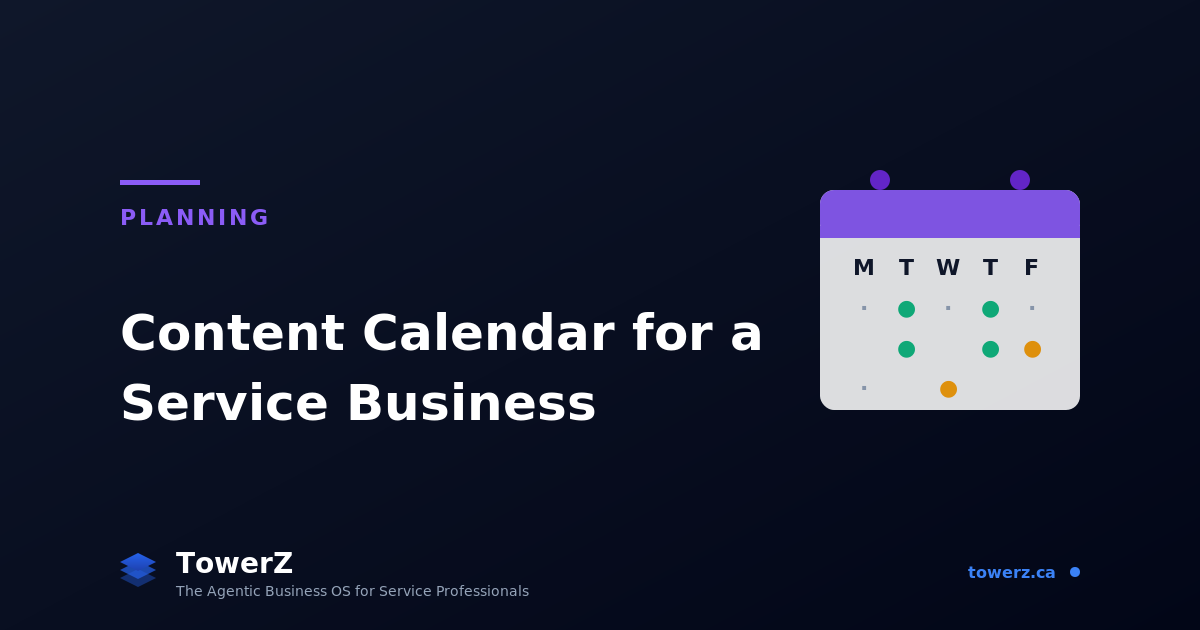
Content Calendar for a Service Business: How to Build One That Actually Gets Used
Every service business owner knows they "should" post more. Few do, consistently.
The reason is rarely laziness. It's the absence of a system. Without a calendar, content depends on inspiration. And inspiration, for someone running a full schedule of clients, dies somewhere between the third coffee and the second emergency of the day.
A content calendar is not a fancy spreadsheet. It is a small set of decisions made once, so that you don't have to make them again every morning. Done well, it converts the foggy task "I should post" into a clear task "It's Tuesday. Tuesdays are educational reels."
Here is how to build one that survives contact with a real week.
Why Most Content Calendars Fail
Three reasons. They are almost always the same three.
They are too detailed. A calendar that asks for 6 fields per post, caption, hashtags, image brief, time, platform, format, CTA, becomes a chore. Owners abandon it by week three.
They are disconnected from the business. Posts get scheduled for the sake of posting. None of them connect to a specific service, offer, or season of the business. Engagement is decent. Bookings don't move.
They are built once and never refreshed. A 6-month calendar planned in January has nothing to say in March when a new service launches or a competitor opens nearby.
A working calendar is short, business-aware, and refreshed monthly. Three properties.
The 4 Building Blocks of a Working Content Calendar
Let's walk through a real example: Glow Esthétique, a small esthetics studio in Trois-Rivières with one owner, two technicians, and a core clientele of women aged 30-55 booking facials, peels, and waxing.
Block 1: Pick 3 Content Pillars (Not 10)
A content pillar is a recurring theme you commit to. Three is the sweet spot, enough to vary, few enough to dominate.
For Glow Esthétique, the three pillars are:
- Education: Skin care fundamentals, treatment explainers, what to expect.
- Behind-the-scenes: The studio, the team, the day-to-day, the products.
- Proof: Before/after, client transformations, reviews, testimonials.
Three pillars. Every post must fit one of them. If a post idea doesn't, it doesn't get scheduled. That single rule eliminates 80% of the "what should I post?" anguish.
Notice what's missing: no "memes," no "trending audio just because," no "random aesthetic photo." Trends can serve a pillar, they cannot be the pillar.
Ask yourself: What three themes does my business need to repeat consistently, for 12 months, until clients hear them?
Block 2: Set a Realistic Cadence
Cadence beats volume. Two posts per week, every week, for 6 months produces a much better outcome than 7 posts a week for 4 weeks and silence after.
A realistic cadence for a one-owner service business:
- 2 to 3 feed posts per week: One per pillar across the week.
- 3 to 5 stories per week: Lighter, less polished, behind-the-scenes.
- 1 long-form per month: Blog post, newsletter, or long-form Reel/YouTube.
That is the baseline. Going above it requires either delegation, AI tools, or a team. Going below it slows your discoverability.
For Glow Esthétique: Tuesday education post, Thursday behind-the-scenes, Saturday proof. Plus 3 stories a week. Plus one blog article per month optimised for a local search term.
Notice how specific that is. "Tuesday." Not "twice a week." The day on the calendar removes a decision.
Block 3: Choose 3 Formats Per Platform
Format fatigue is real. Reels, carousels, statics, stories, lives, long-form video, picking everything means delivering nothing well.
For each platform you commit to, pick 3 formats max. For Glow on Instagram:
- Reels (1 per week). Education or transformation.
- Carousels (1 per week). Deeper explainers or proof stories.
- Stories (3 per week). Behind-the-scenes, polls, reposts.
Everything else, lives, broadcast channels, guides, is skipped. Not because they don't work. Because focus does.
The same applies to TikTok, LinkedIn, YouTube. The platforms expand, the format list does not.
Block 4: Build a 4-Week Recurring Skeleton
Most owners try to plan 3 months of content. That fails because life doesn't cooperate. A better approach: build a recurring 4-week skeleton, and only customise the surface.
Here is Glow Esthétique's recurring 4 weeks:
| Week | Tue (Education) | Thu (BTS) | Sat (Proof) |
|---|---|---|---|
| 1 | Skin type explainer | Studio tour | Before/after of the week |
| 2 | Treatment FAQ | Team intro | Client testimonial |
| 3 | Common skin mistake | Product spotlight | Carousel of 3 transformations |
| 4 | Seasonal skincare tip | "Day in the life" | Review highlight |
That is the skeleton. Every month, the topics change, but the structure doesn't. Tuesday is always education. Saturday is always proof. The decision is made.
This skeleton produces 12 feed posts a month with three decisions a week, not 30.
How to Actually Run the Calendar Week to Week
A calendar that nobody opens is decorative. Three rituals keep it alive.
Monday: 15-minute customisation. Open the calendar, look at the week's three posts. Adjust the topics to match what's relevant, a treatment promotion, a seasonal change, a client transformation that just happened.
Sunday evening: batch creation. Sit down for 90 minutes. Write the captions for the week. Shoot or select the images. Schedule the posts in your scheduler of choice.
Monthly: refresh the skeleton. Once a month, look at the 4-week skeleton. What pillar is underperforming? What new content type is your audience responding to? Adjust one thing. Not five.
If you respect those three rituals. Monday 15 minutes, Sunday 90 minutes, monthly 30 minutes, you produce more usable content than 80% of your competitors.
Generate a Month of Content in 60 Seconds with TowerZ
Writing captions, finding hashtags, generating variants, building images, the production side of a content calendar still takes hours, even with a good plan. TowerZ's AI Writer generates social posts, captions, and hashtags directly from your business context, brand voice, and chosen pillar.
You describe the post, "educational, about why double cleansing matters for combination skin", and the AI Writer drafts three variants, suggests hashtags, picks the matching brand voice profile, and stages it in your content library. Pair it with the Smart Visual Generator to auto-generate matching branded images and your post is ready in under a minute.
Because the AI Writer lives inside TowerZ, it is context-aware. It knows what services you offer, what your brand voice sounds like, what content you have already published, and what your strategic priorities are. You don't have to re-explain your business every time.
The Content Calendar pillar is part of TowerZ's Planning suite, built for service entrepreneurs who want consistency without burnout.
Ready to publish consistently?
Try TowerZ for free and generate your first week of content in under a minute.
Frequently Asked Questions about Content Calendars
How far ahead should I plan? 4 weeks for the skeleton, 1 week for the actual topics. Anything beyond 4 weeks is fiction, it will need to be rewritten when reality intervenes.
Which day of the week should I post? For most service businesses, posting close to the day your clients actually book matters more than the algorithmic "best day." If your bookings spike Tuesday evenings, post early Tuesday morning.
Do I need to post on every platform? No. Pick two. Master those. Adding a third only after the first two run for 6 months consistently. Most service businesses overestimate how many platforms they can sustain.
What if I miss a week? You missed a week. Restart. Streak guilt is the enemy of long-term consistency. The point is monthly volume, not perfect weekly attendance.
How is TowerZ's AI Writer different from generic AI tools? A generic AI tool starts from zero context every time. TowerZ's AI Writer knows your business profile, brand voice, content history, services, and strategic priorities, it produces posts that sound like you and connect to what you actually sell.
TowerZ is built for service businesses that want to grow with intention. The AI Writer, Smart Visual Generator, and content calendar tools live inside the Planning pillar, alongside the Business Strategy canvas and the agentic platform.

About Orléando Dassi
Chief Executive Officer & Co-Founder
Orléando leads product vision, business strategy, and the long-term direction behind Automathing Group Inc. and TowerZ. He combines 12+ years in IT with a bachelor's degree in software development, business launch (ASP) training, and an MBA in progress at Université de Sherbrooke.
Related articles
Business Diagnostic: 12 Questions to See What to Fix First
A practical business diagnostic with a scorecard, signal reading, and a worked example so you know what to fix first.
Why Your Marketing Problem Is Actually an Operations Problem
A simple framework to separate a real marketing problem from an operations leak caused by follow-up, no-shows, retention, capacity, or pricing.
Vision, Mission, and Values: Examples That Actually Mean Something
A practical guide to writing a vision, mission, and core values your team can actually use, with real examples across different kinds of businesses and a 60-second AI generator inside TowerZ.